

CometChatCallLogs renders a scrollable list of call history with call type indicators (audio/video), call status (incoming/outgoing/missed), timestamps, and pagination support.
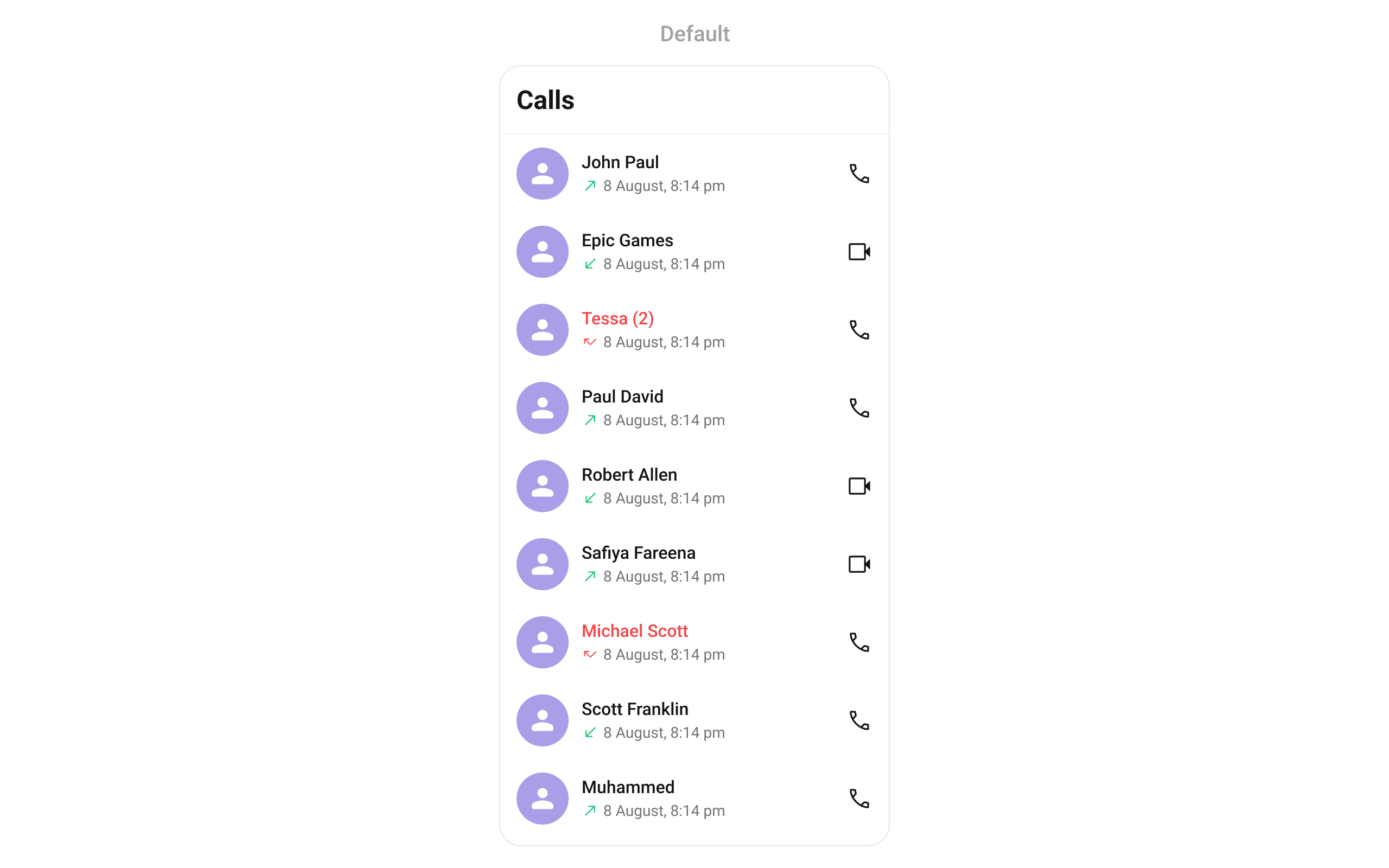
CometChatCallLogs widget is composed of the following base widgets:
Where It Fits
CometChatCallLogs is a list component. It renders call history and emits the selected CallLog via onItemClick. Wire it to a detail screen or use onCallLogIconClicked to initiate a call directly from the log.
- Dart
Quick Start
Using Navigator:- Dart
- Dart
CometChatUIKit.init(), a user logged in, and the Calls UIKit dependency added. See Call Features for setup.
Filtering Call Logs
Pass aCallLogRequestBuilder to control what loads:
- Dart
Filter Recipes
Filter Properties
Actions and Events
Callback Methods
onItemClick
Fires when a call log item is tapped. Primary navigation hook.
- Dart
onItemLongPress
Fires when a call log item is long-pressed, allowing additional actions.
- Dart
onBack
Fires when the user presses the back button in the app bar.
- Dart
onError
Fires on internal errors (network failure, SDK exception).
- Dart
onLoad
Fires when the list is successfully fetched and loaded.
- Dart
onEmpty
Fires when the list is empty after loading.
- Dart
onCallLogIconClicked
Fires when the call icon on a call log item is tapped, typically used to initiate a call back.
- Dart
Events
TheCometChatCallLogs widget does not emit global events.
Functionality
Example — custom back button:
- Dart
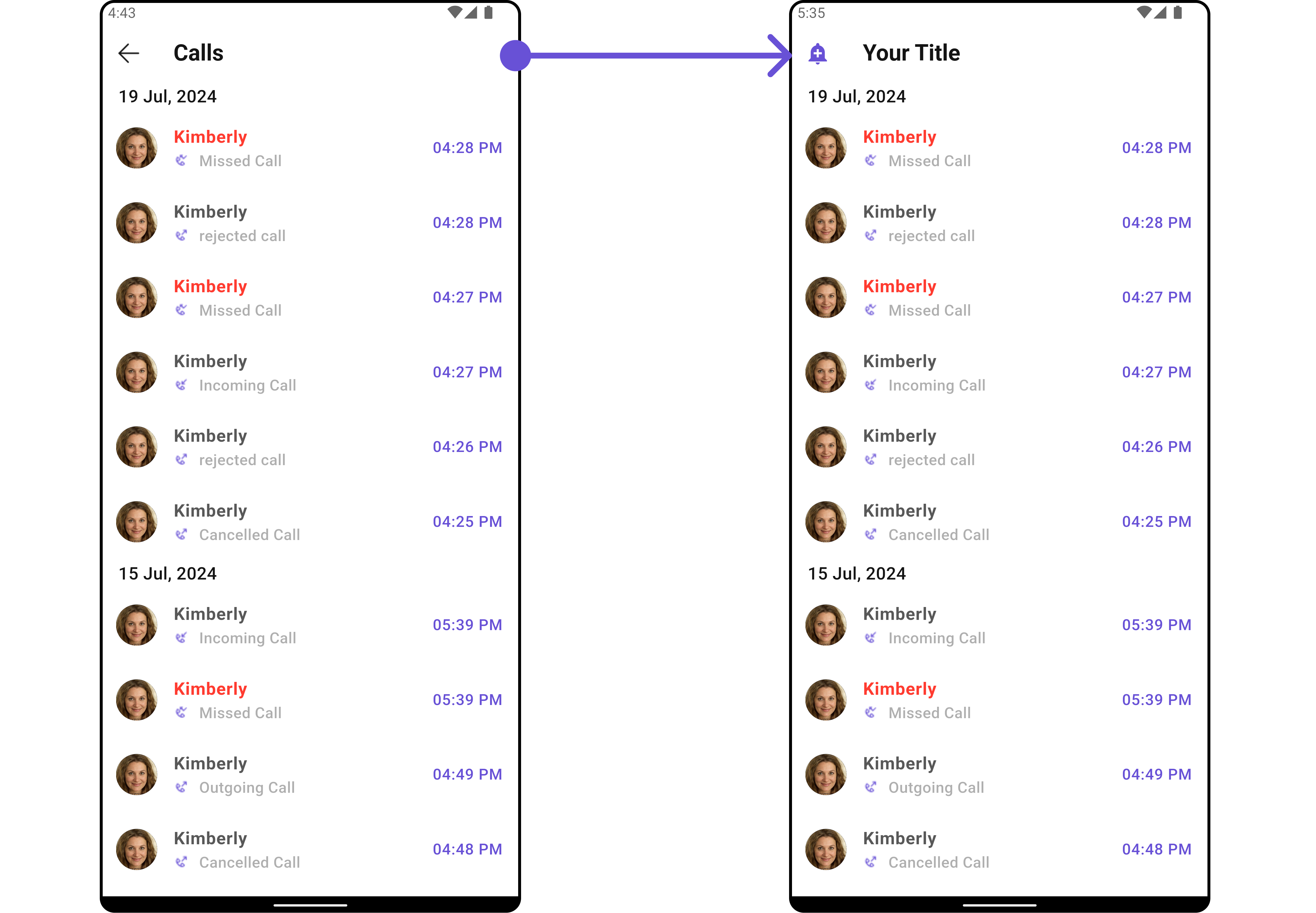
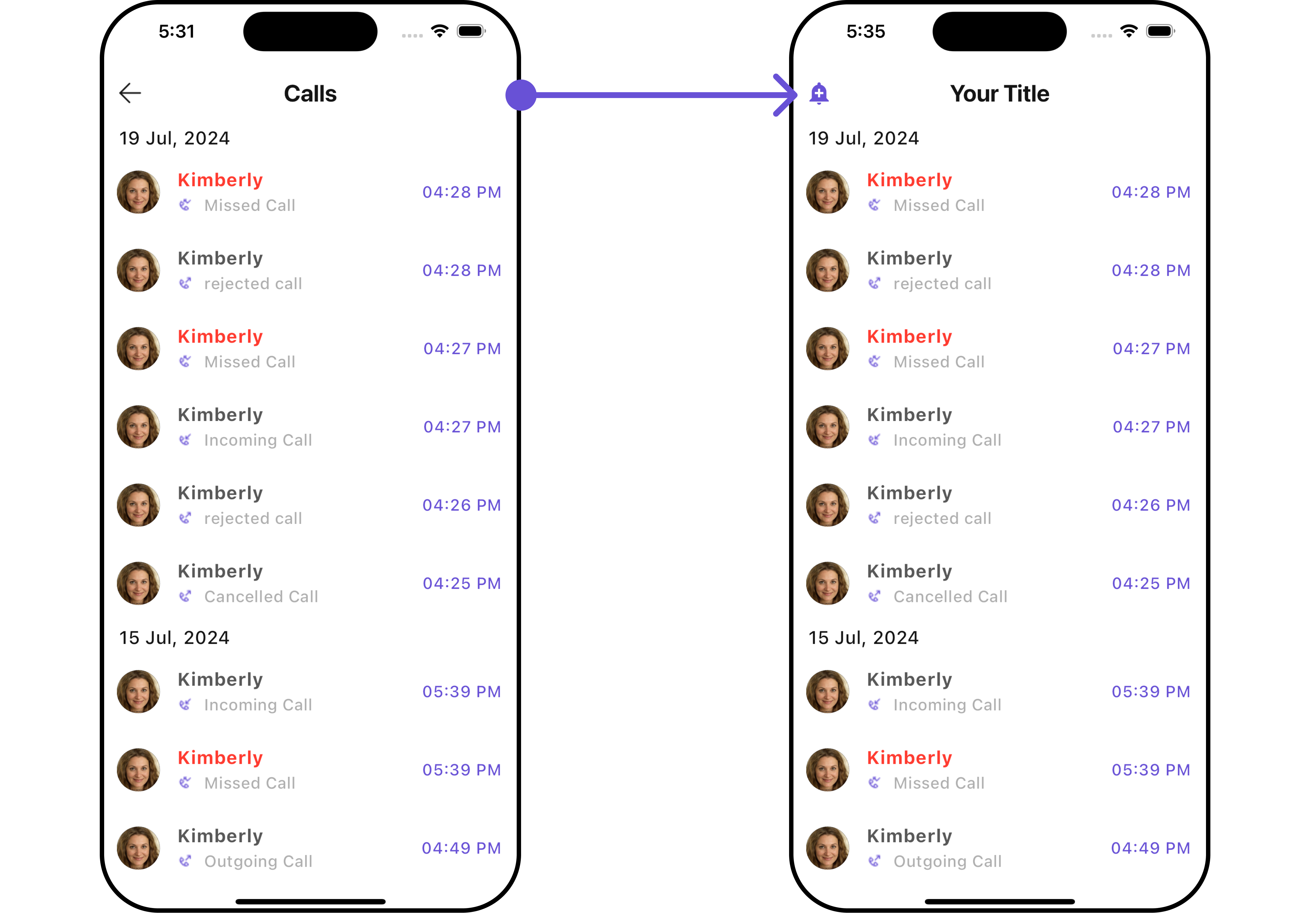
Custom View Slots
List Item View
Replace the entire list item row with a custom widget.- Dart
- Helper: getCallStatus
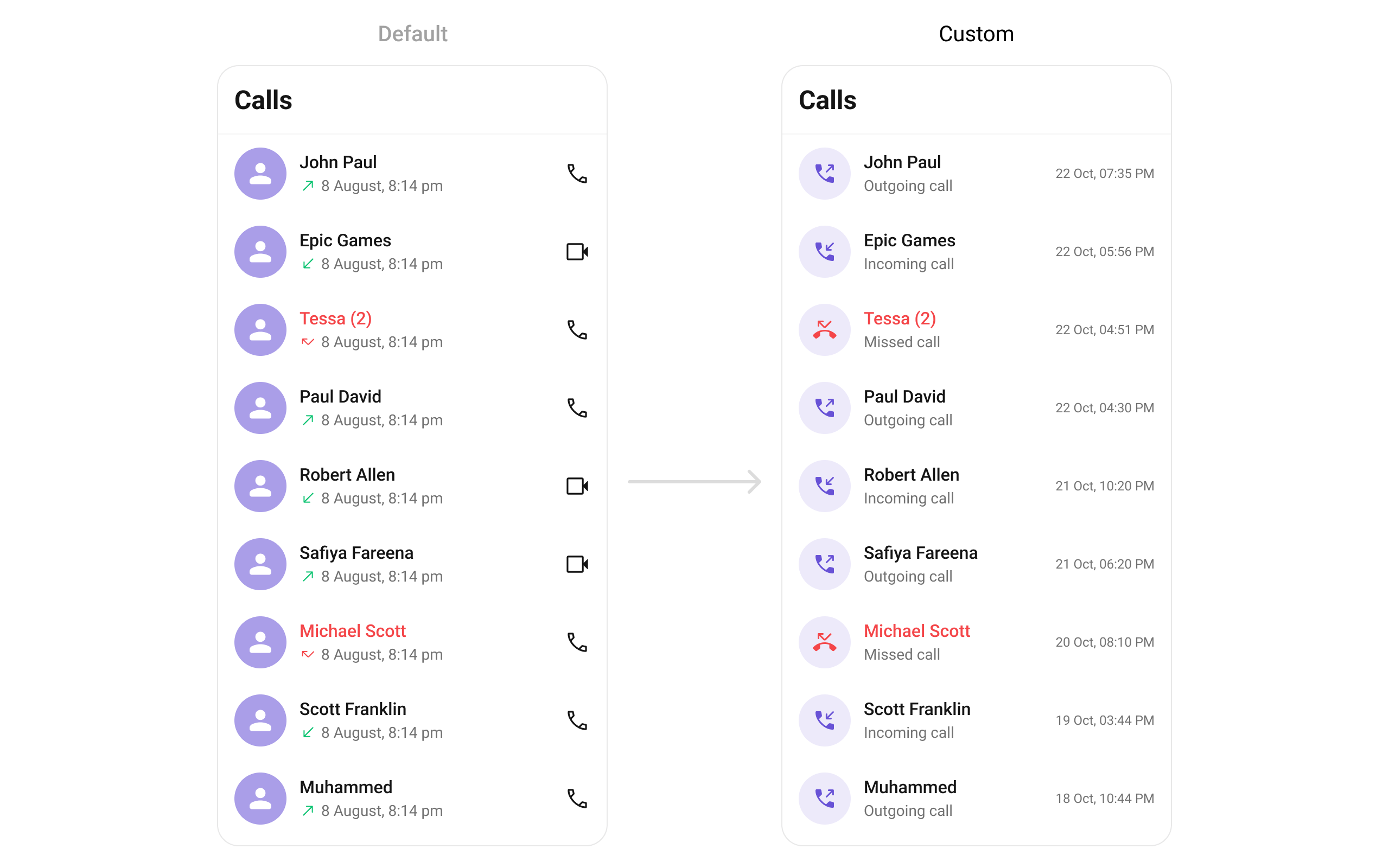
Title View
Replace the caller name / title text.- Dart
Leading View
Replace the avatar / left section.- Dart
Subtitle View
Replace the call status text below the name.- Dart
- Helper: _getCallIcon
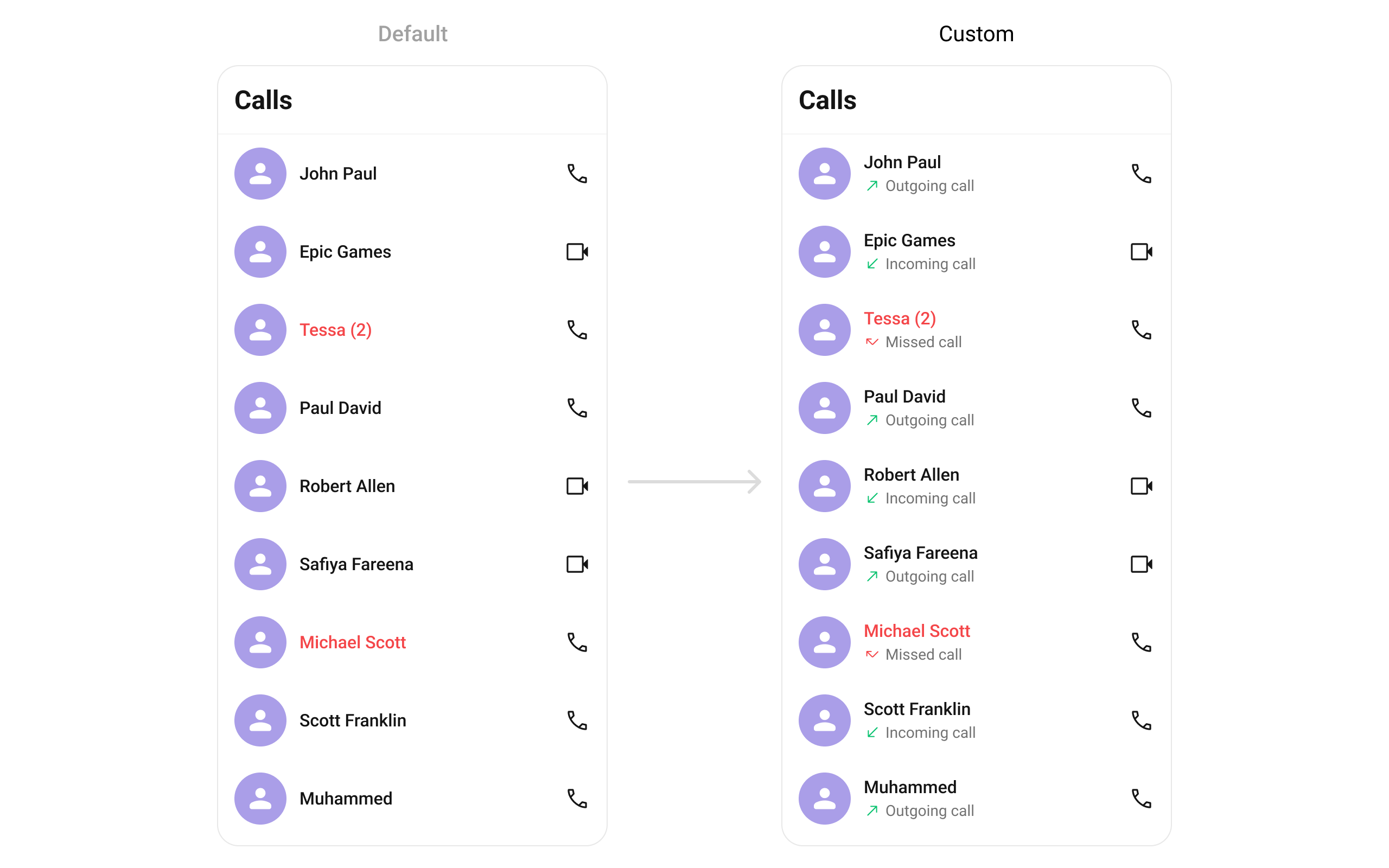
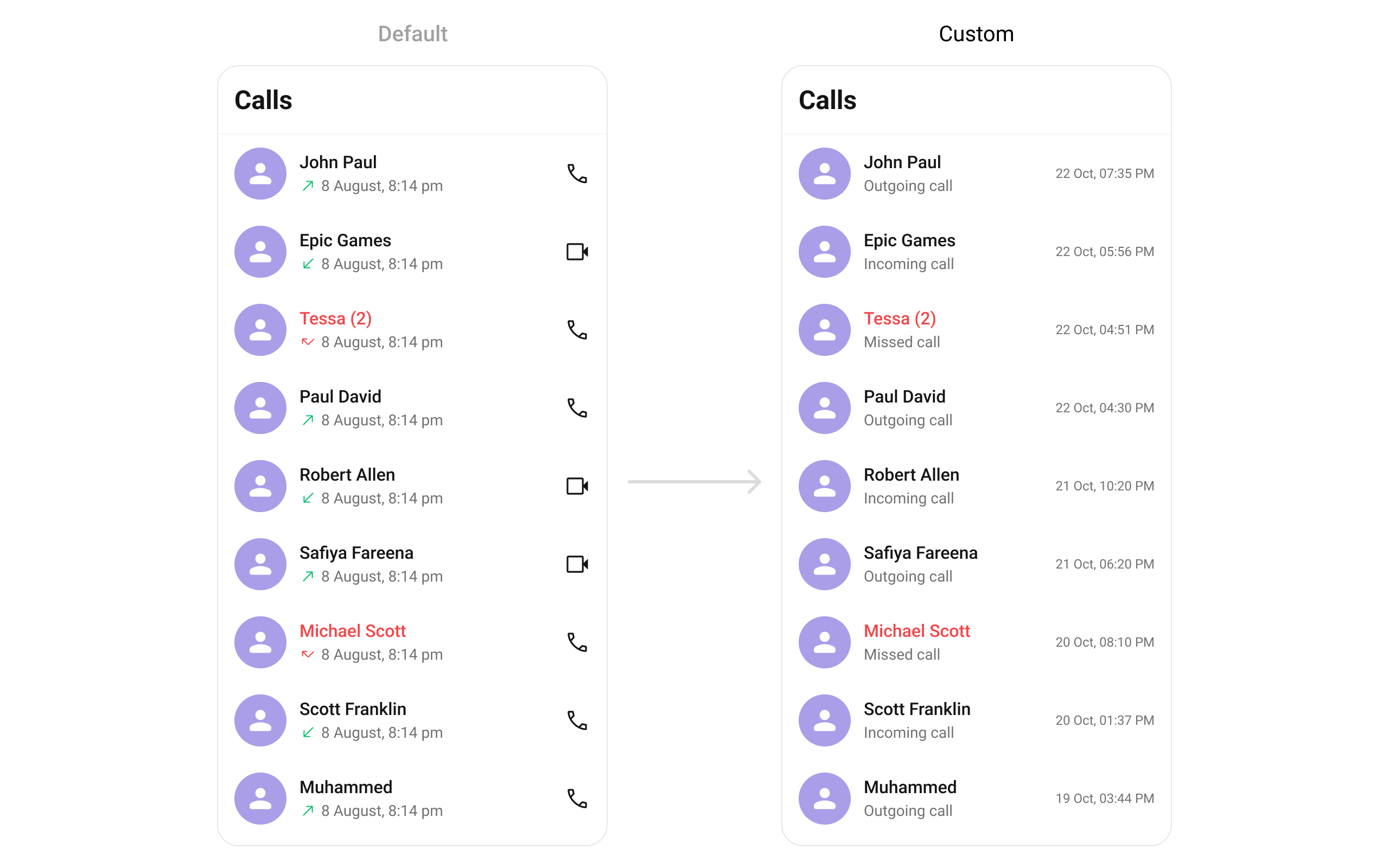
Trailing View
Replace the timestamp / right section.- Dart
State Views
- Dart
Menu Options
- Dart
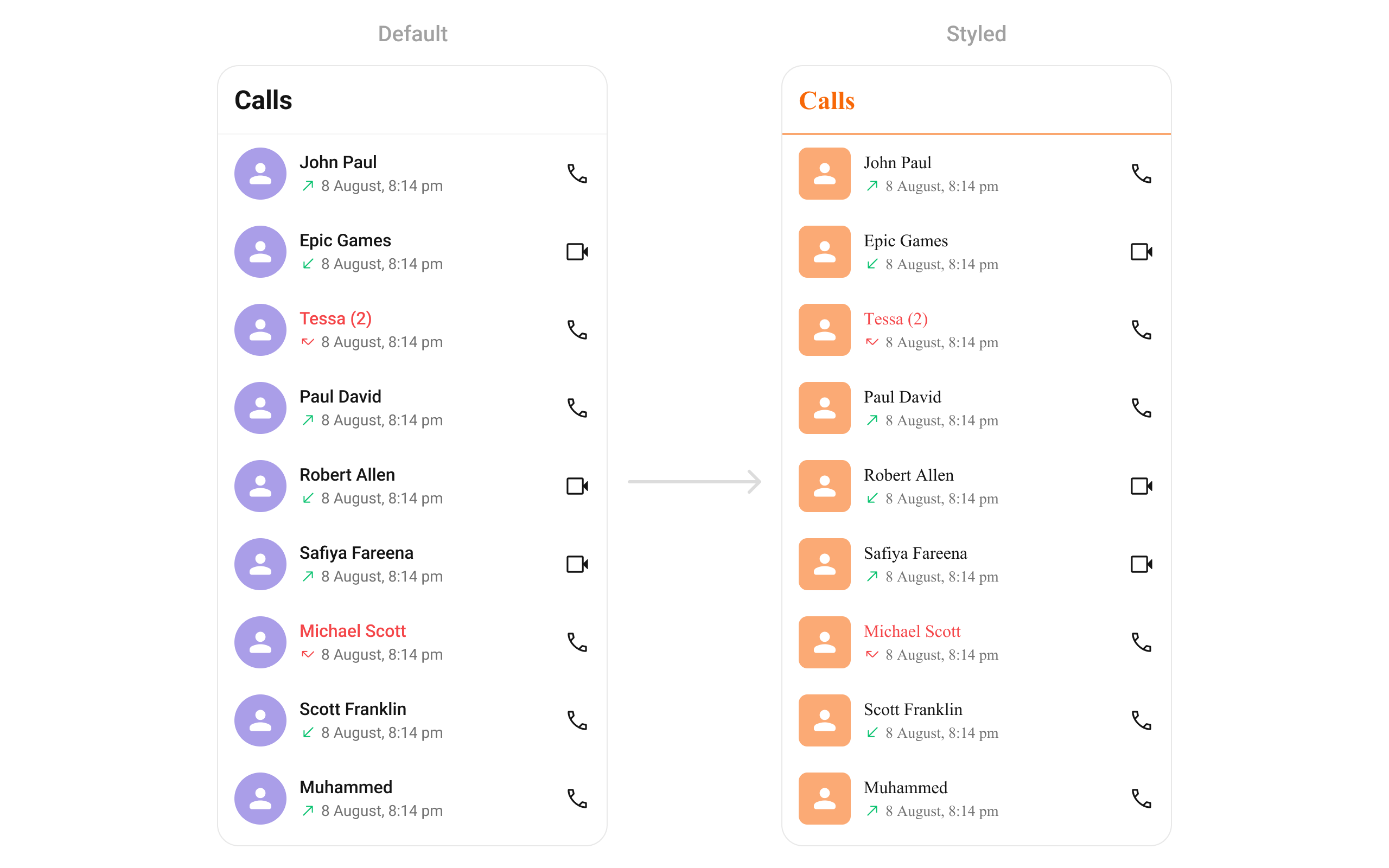
Style
- Dart
Configurations
Outgoing Call
Customize the outgoing call component that appears when a call is initiated from a call log:- Dart
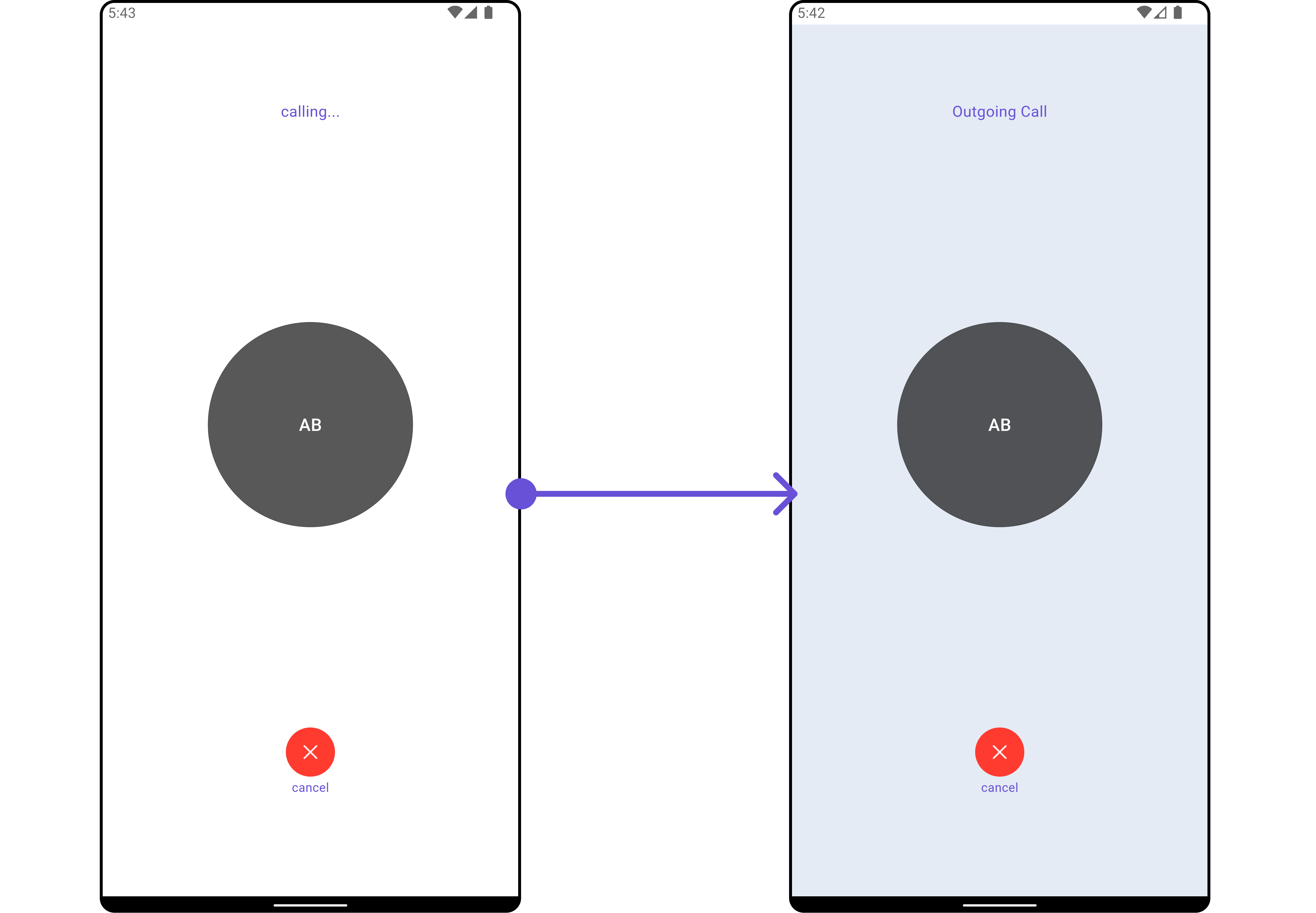
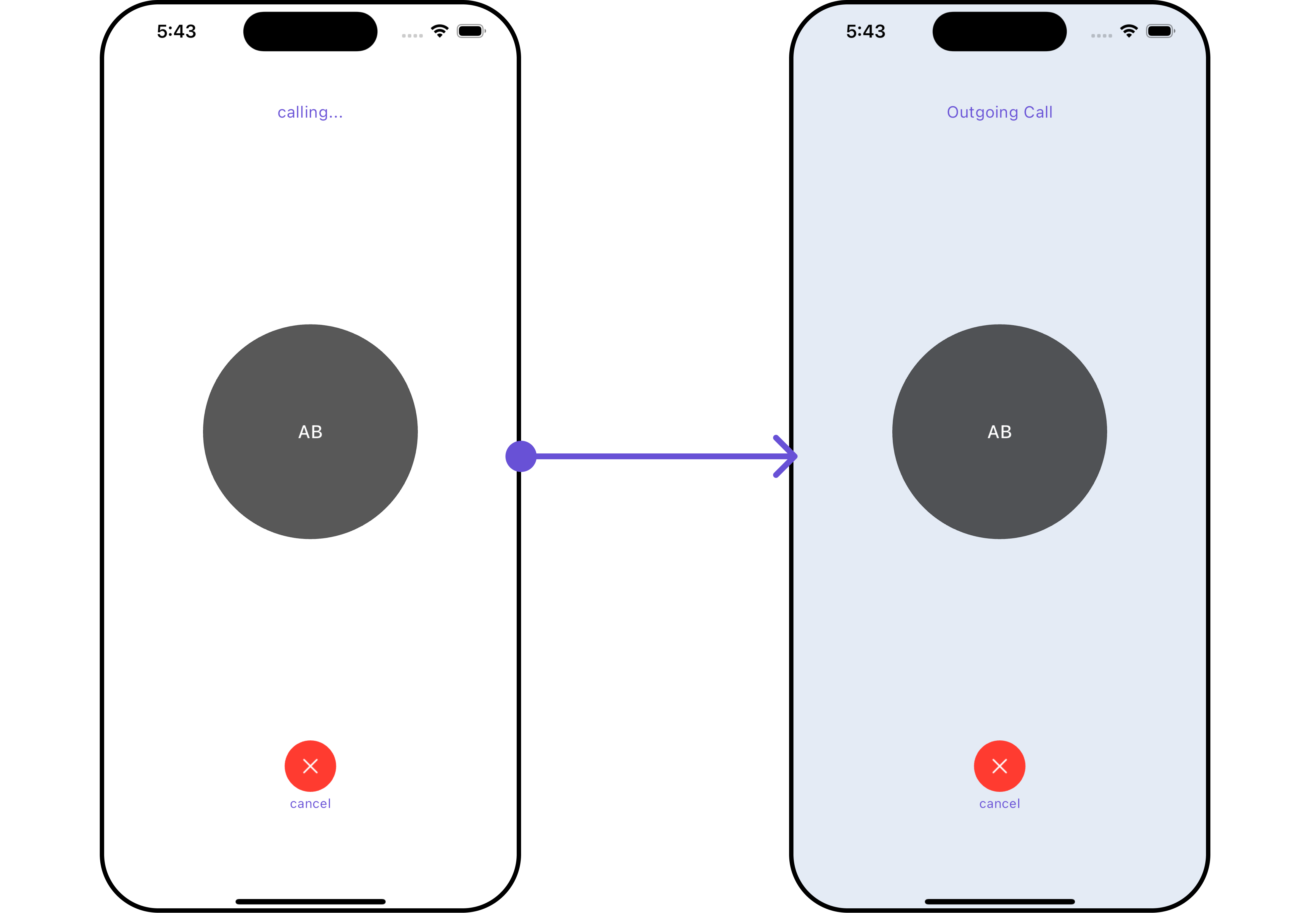
OutgoingCallConfiguration can be found under Outgoing Call.
Next Steps
Call Log Details Guide
Build a call log details screen
Call Buttons
Add voice and video call buttons
Component Styling
Detailed styling reference
Conversations
Browse recent conversations