

Overview
TheCall Log Details is a Composite Component that displays all the information related to a call. This component displays information like user/group information, participants of the call, recordings of the call (if available) & history of all the previous calls. Also, it has buttons to start a new call.
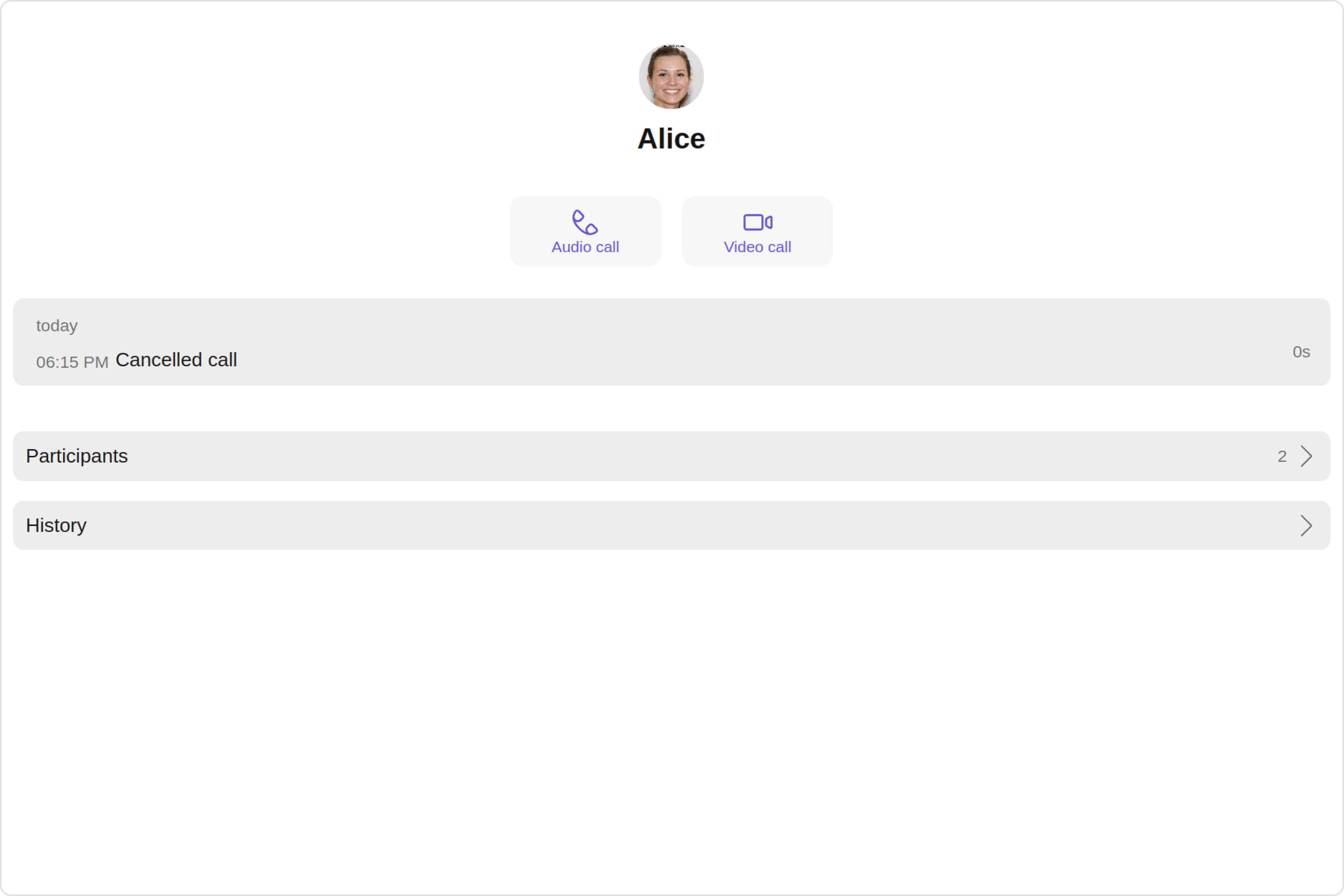
Usage
Integration
- CallLogDetailsDemo.tsx
- App.tsx
Actions
Actions dictate how a component functions. They are divided into two types: Predefined and User-defined. You can override either type, allowing you to tailor the behavior of the component to fit your specific needs.1. onBackClick
onBackClick is triggered when you click on the back button of the Call Log Details component. You can override this action using the following code snippet.
- TypeScript
- JavaScript
CallLogDetailsDemo.tsx
Filters
Filters allow you to customize the data displayed in a list within aComponent. You can filter the list based on your specific criteria, allowing for a more customized. Filters can be applied using RequestBuilders of Chat SDK.
The Call Log Details component does not have any exposed filters.
Events
Events are emitted by aComponent. By using event you can extend existing functionality. Being global events, they can be applied in Multiple Locations and are capable of being Added or Removed.
The CallLogDetails does not produce any events.
Customization
To fit your app’s design requirements, you have the ability to customize the appearance of theCallLogDetails component. We provide exposed methods that allow you to modify the experience and behavior according to your specific needs.
Style
Using Style you can customize the look and feel of the component in your app, These parameters typically control elements such as the color, size, shape, and fonts used within the component.1. CallLogDetails Style
You can set thecallLogDetailsStyle to the Call Log Details Component to customize the styling.
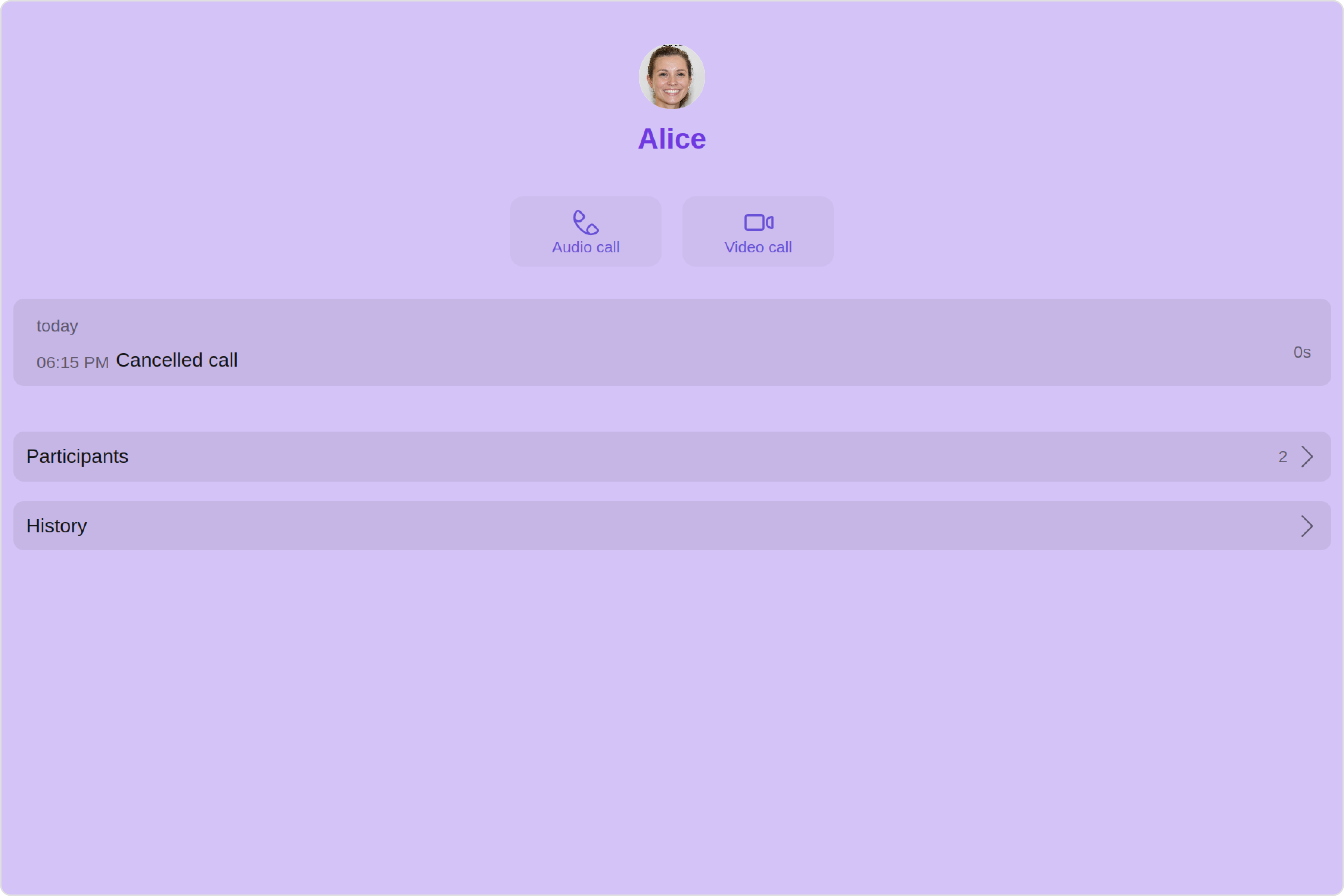
- TypeScript
- JavaScript
CallLogDetailsDemo.tsx
The following properties are exposed by
CallLogDetailsStyle:
2. Avatar Style
If you want to apply customized styles to theAvatar component within the Call Log Details Component, you can use the following code snippet. For more information you can refer Avatar Styles.
- TypeScript
- JavaScript
CallLogDetailsDemo.tsx
Functionality
These are a set of small functional customizations that allow you to fine-tune the overall experience of the component. With these, you can change text, set custom icons, and toggle the visibility of UI elements. Here is a code snippet demonstrating how you can customize the functionality of theCall Log Details component.
- TypeScript
- JavaScript
CallLogDetailsDemo.tsx
Advanced
For advanced-level customization, you can set custom views to the component. This lets you tailor each aspect of the component to fit your exact needs and application aesthetics. You can create and define your views, layouts, and UI elements and then incorporate those into the component.DetailsTemplate
TheCometChatDetailsTemplate offers a structure for organizing information in the Call Log Details component. It serves as a blueprint, defining how call log related details are presented. This structure allows for customization and organization within the CometChat interface.
- TypeScript
- JavaScript
CallLogDetailsDemo.tsx
DetailsOption
TheDetailsOption defines the structure for individual options within the CometChat Call Log Details component, facilitating customization and functionality for user interactions.
This defines the structure of each option for a template in the details component.
Configurations
Configurations offer the ability to customize the properties of each component within a Composite Component. CallLogDetails hasCall Log History, Call Log Recordings and Call Log Participants component. Hence, each of these components will have its individual Configuration.
Configurationsexpose properties that are available in its individual components.
Call Log History
You can customize the properties of the Call Log History component by making use of thecallLogHistoryConfiguration. You can accomplish this by employing the callLogHistoryConfiguration props as demonstrated below:
- TypeScript
- JavaScript
CallLogHistoryConfiguration can be found under Call Log History. Properties marked with the report symbol are not accessible within the Configuration Object.
Example
Let’s say you want to change the style of the Call Log History subcomponent and, in addition, you only want to change the date pattern to show day date and time.
You can modify the style using the callLogHistoryStyle property, change the date pattern using datePattern property.
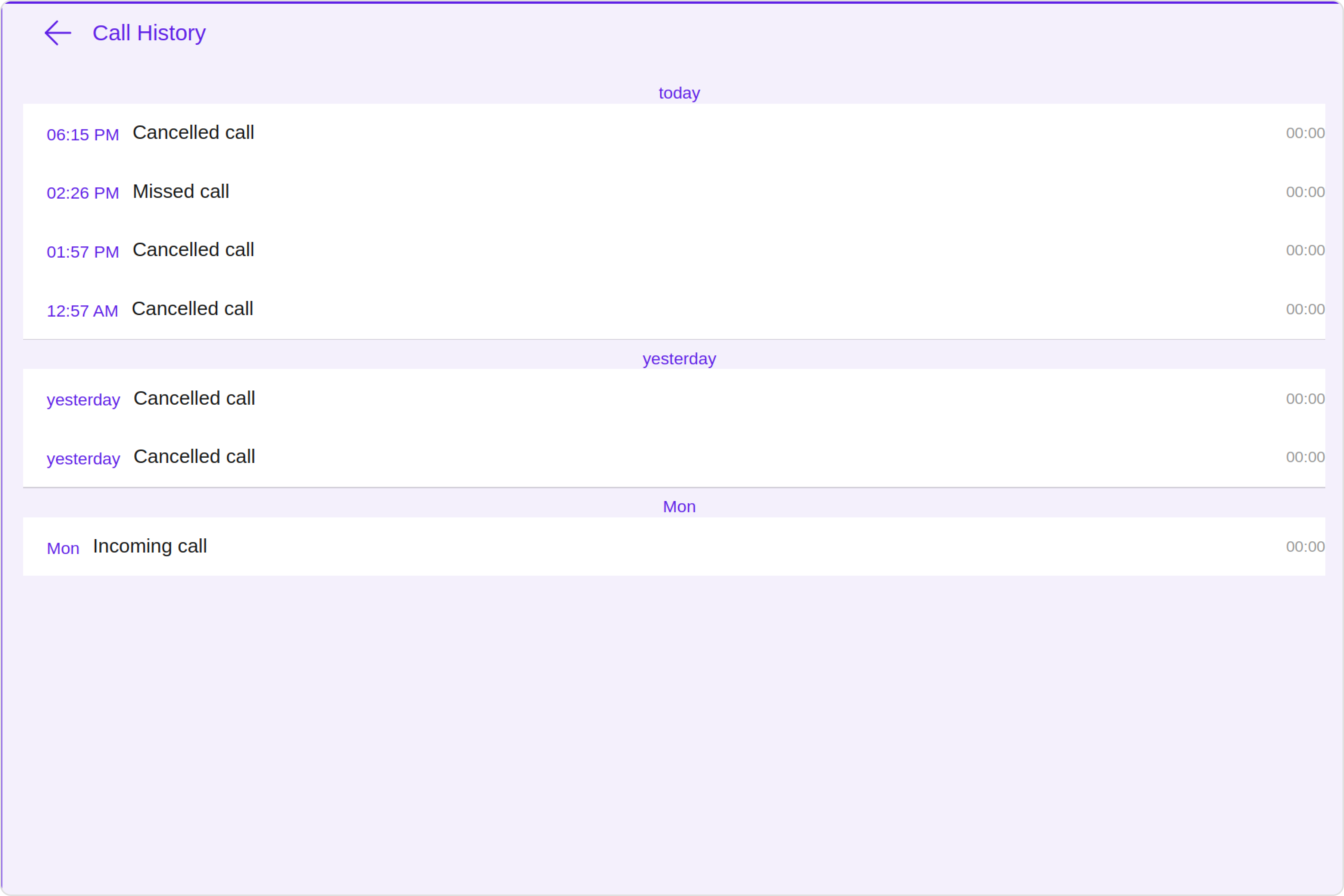
- TypeScript
- JavaScript
CallLogDetailsDemo.tsx
Call Log Recordings
You can customize the properties of the Call Log Recordings component by making use of thecallLogRecordingsConfiguration. You can accomplish this by employing the callLogRecordingsConfiguration props as demonstrated below:
- TypeScript
- JavaScript
CallLogRecordingsConfiguration can be found under Call Log Recordings. Properties marked with the report symbol are not accessible within the Configuration Object.
Example
Let’s say you want to change the style of the Call Log Recordings subcomponent and, in addition, you only want to hide the download button.
You can modify the style using the callLogRecordingsStyle property, and hide the download button using hideDownloadButton property.
- TypeScript
- JavaScript
CallLogDetailsDemo.tsx
Call Log Participants
You can customize the properties of the Call Log Participants component by making use of thecallLogParticipantsConfiguration. You can accomplish this by employing the callLogParticipantsConfiguration props as demonstrated below:
- TypeScript
- JavaScript
CallLogParticipantsConfiguration can be found under Call Log Participants. Properties marked with the report symbol are not accessible within the Configuration Object.
Example
Let’s say you want to change the style of the Call Log Participants subcomponent and, in addition, you only want to change the back icon.
You can modify the style using the callLogParticipantsStyle property, and change the back icon using backIconUrl property.
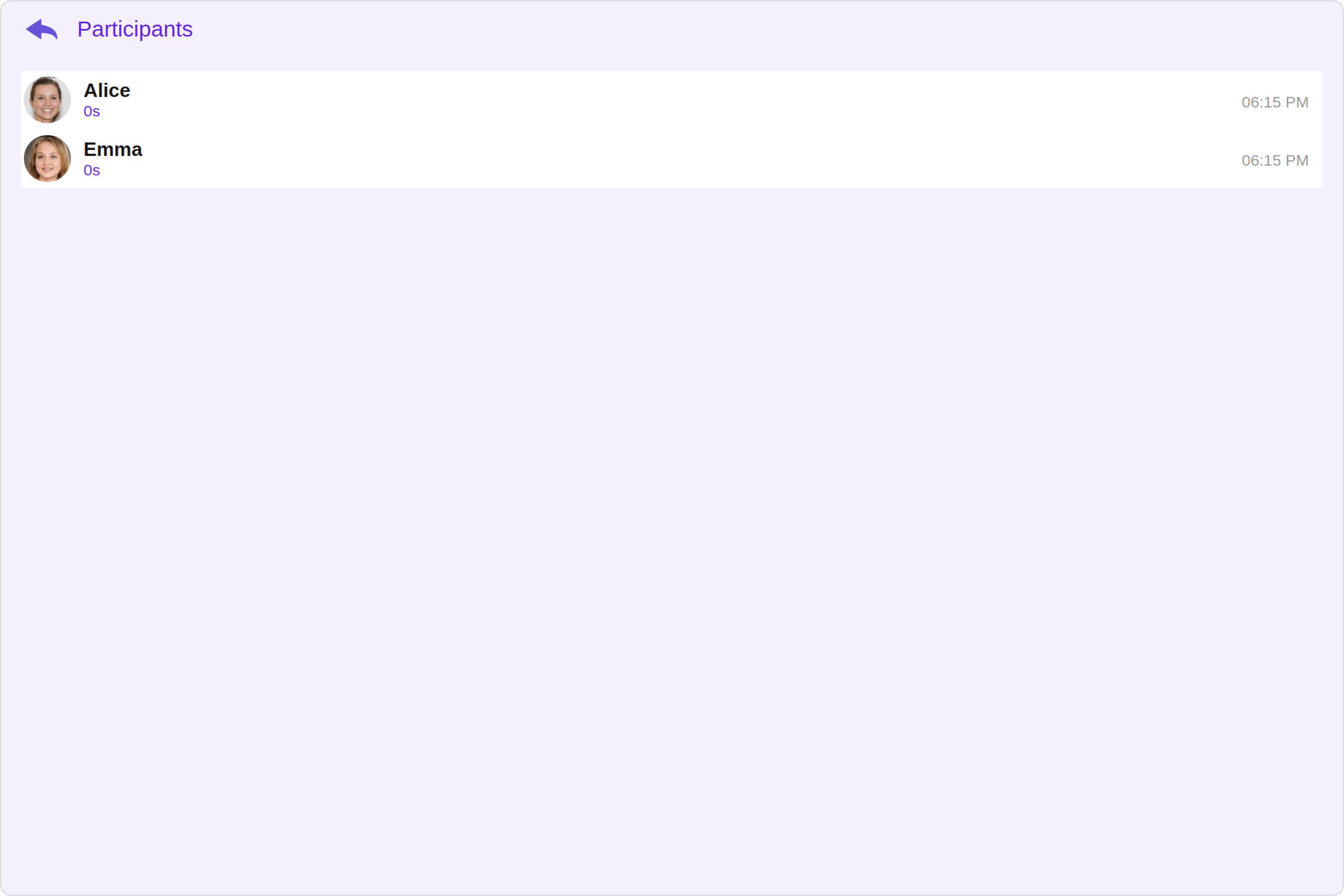
- TypeScript
- JavaScript
CallLogDetailsDemo.tsx