

AI Integration Quick Reference
AI Integration Quick Reference
Overview
CometChat AI features enhance user interaction by providing contextual suggestions and summaries. Each feature is activated from the Dashboard and auto-integrates into UI Kit components.How to Enable AI Features
1
Enable in Dashboard
Login to CometChat Dashboard, select your app, then go to Chat & Messaging → Features and enable the AI feature you want.
2
Configure AI settings
Open the AI feature settings in the Dashboard to configure options like response style, language, etc.
3
Use in your app
Once enabled, AI features automatically integrate into your UI Kit components. No additional code required.
AI Feature Availability
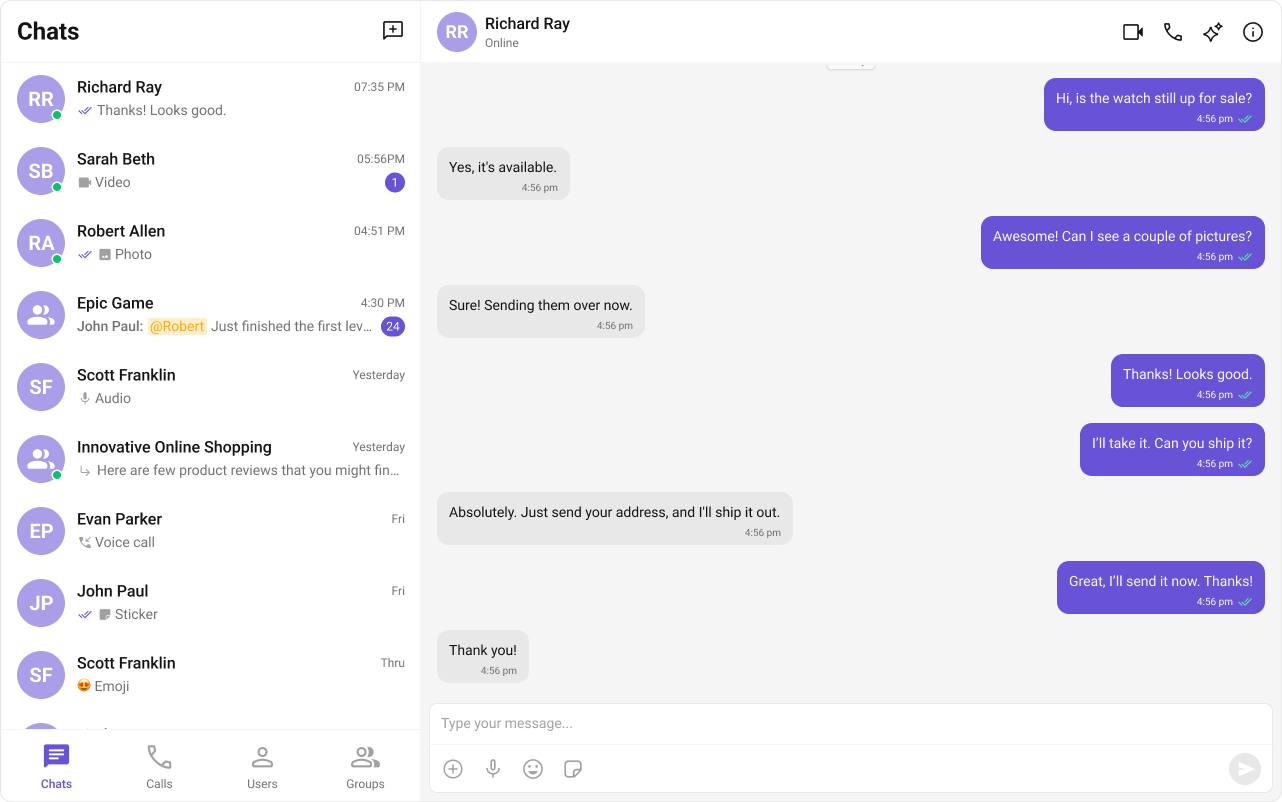
Smart Chat Features
Conversation Starter
Displays AI-generated opening lines when a user starts a new chat. See Conversation Starter. Auto-integrates into MessageList when activated.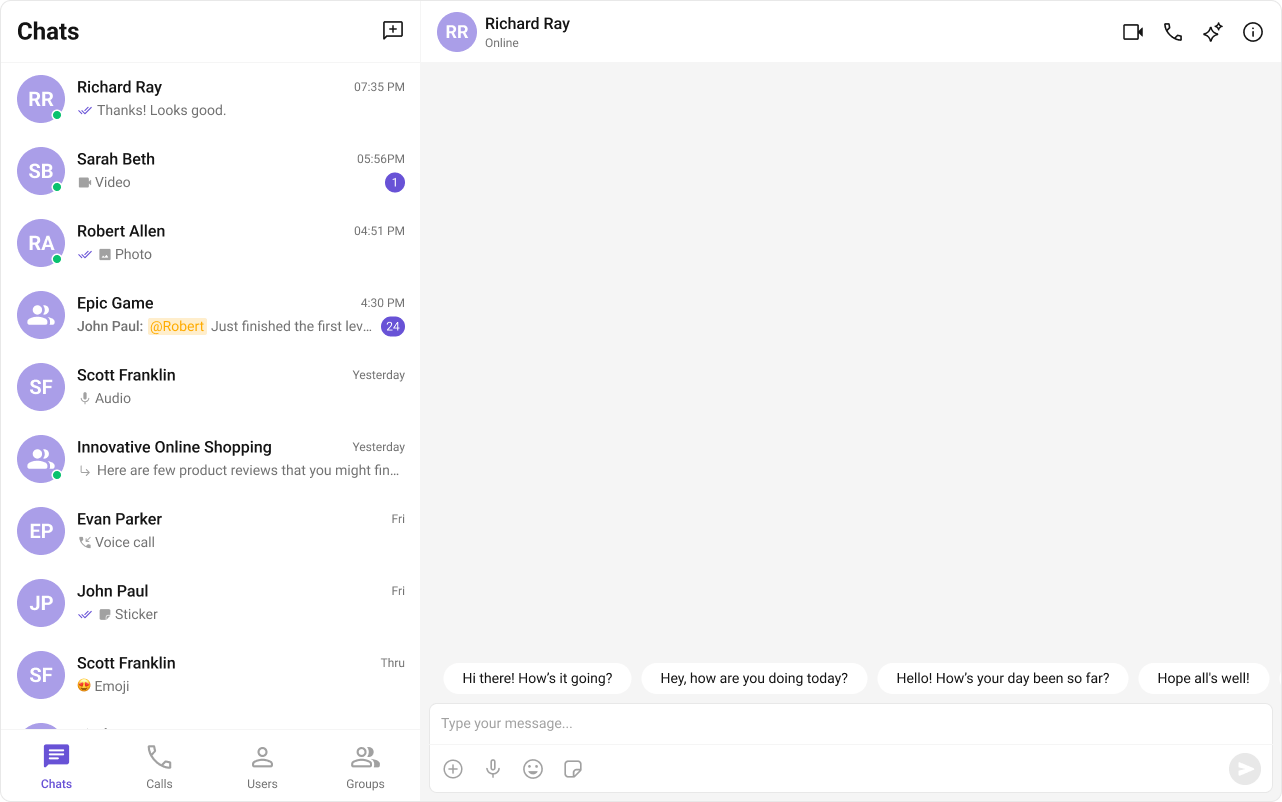
Smart Replies
AI-generated response suggestions based on conversation context. See Smart Replies. Auto-integrates into the Action Sheet of MessageComposer when activated.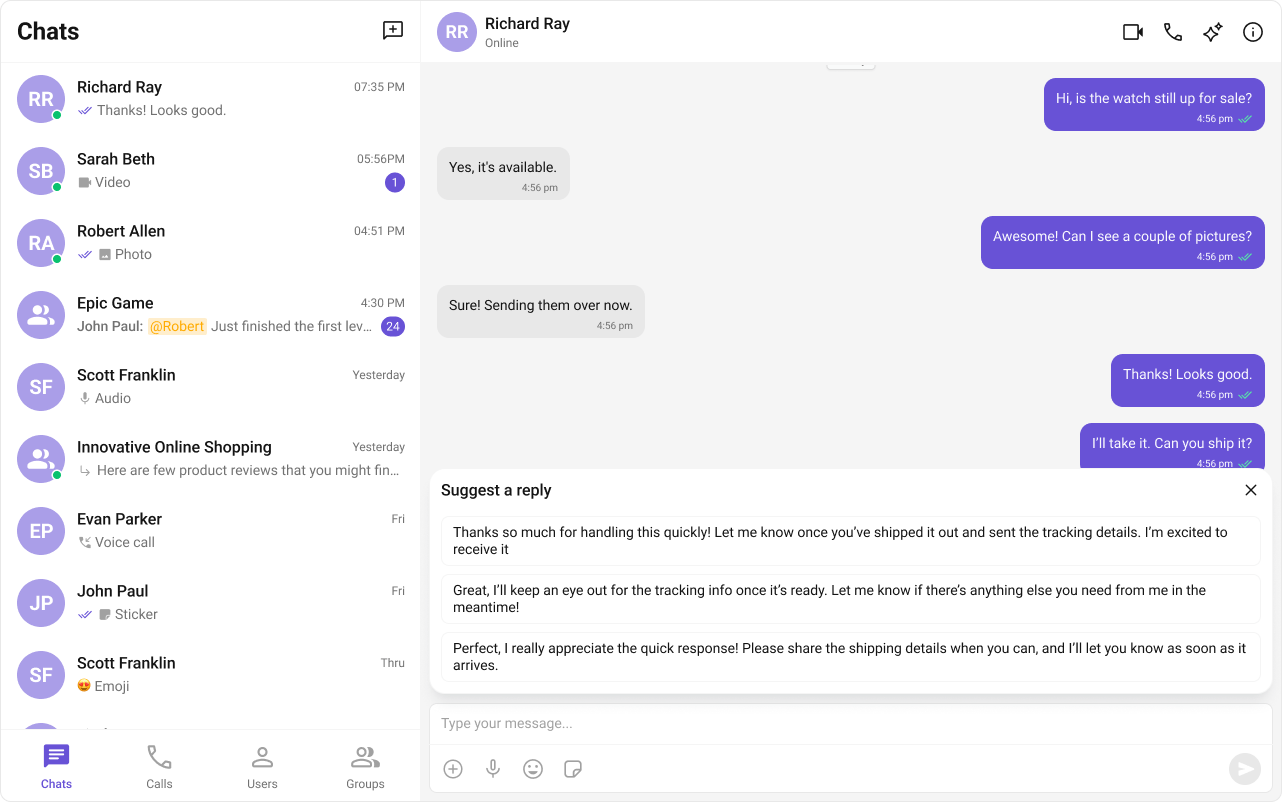
Conversation Summary
AI-generated recap of long conversations. See Conversation Summary. Auto-integrates into the Action Sheet of MessageComposer when activated.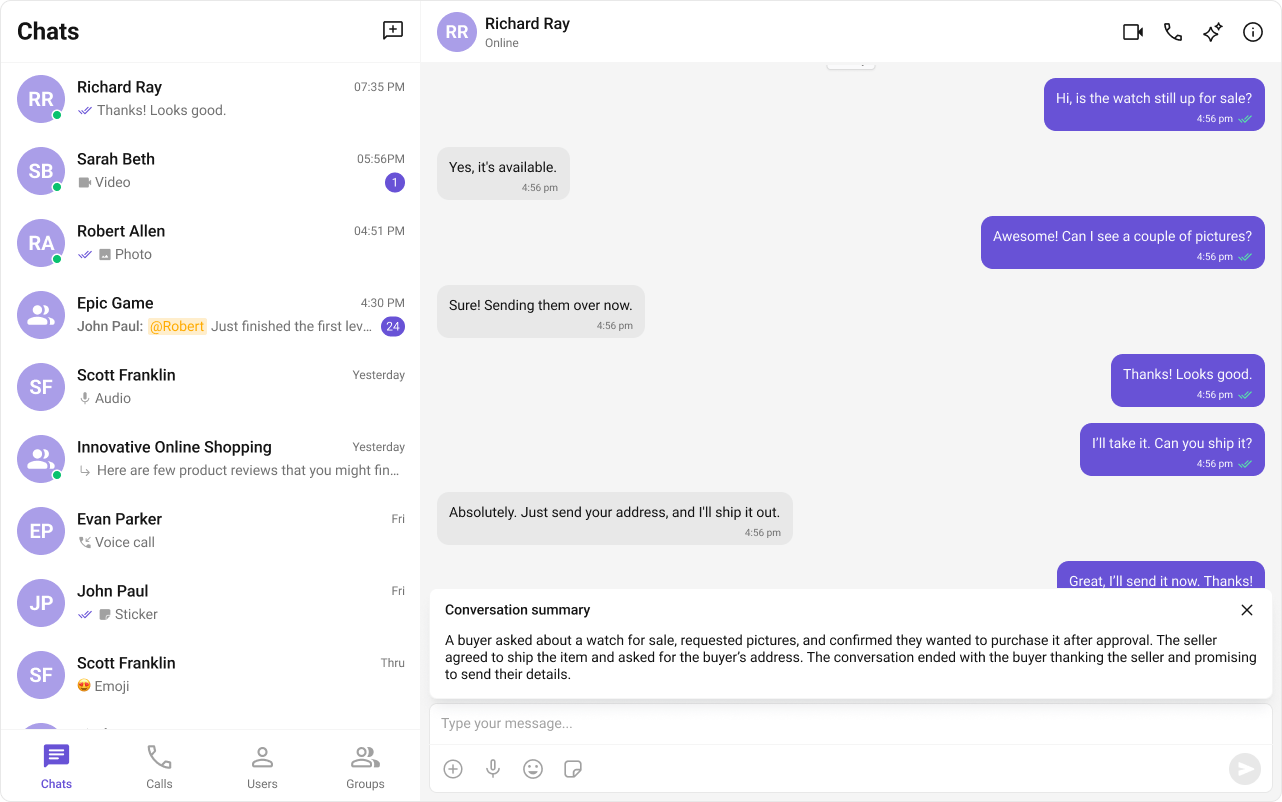
Next Steps
AI Assistant Chat
AI-powered assistant component
Message List
Customize the message list where AI features appear
Message Composer
Customize the composer with Smart Replies and Summary
Core Features
Core chat features like messaging and reactions