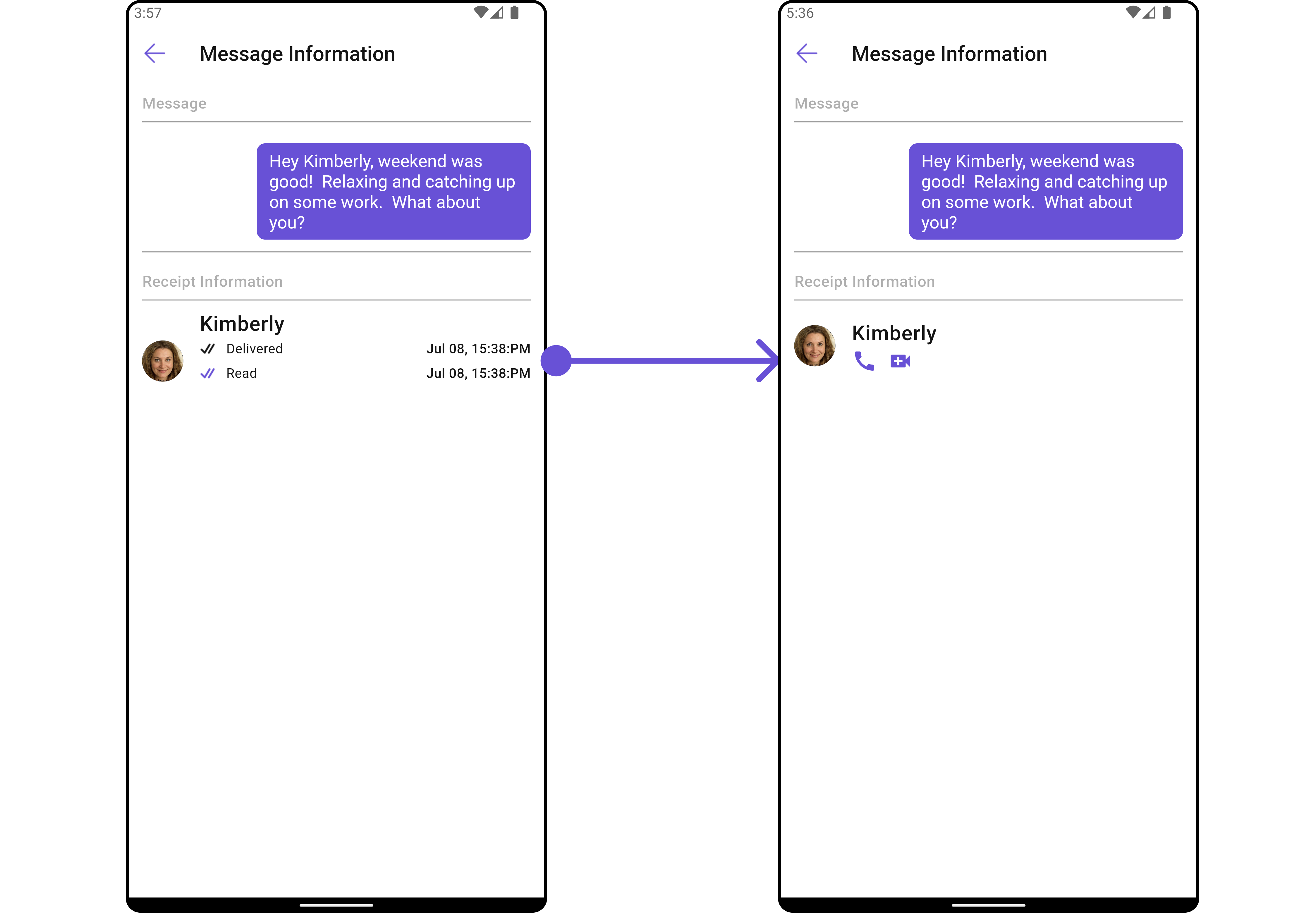
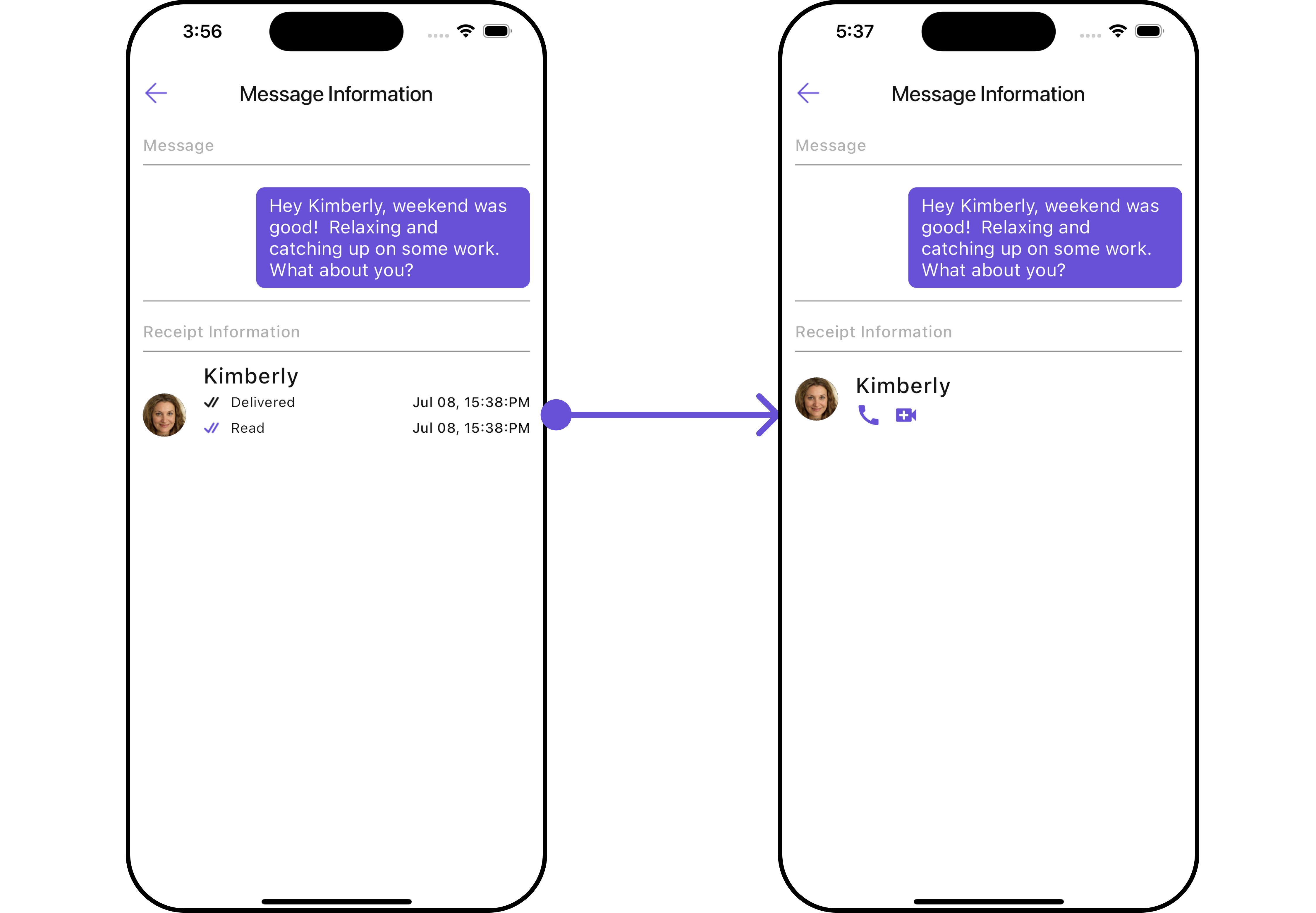
CometChatMessageInformation is a Widget designed to display message-related information, such as delivery and read receipts. It serves as an integral part of the CometChat UI UI Kit, extending the ListBase class, which provides the underlying infrastructure for CometChat UI widgets. With its rich set of methods and properties, developers can easily customize and tailor the appearance and behavior of the message information widget to suit the specific requirements of their application.
- Android
- iOS
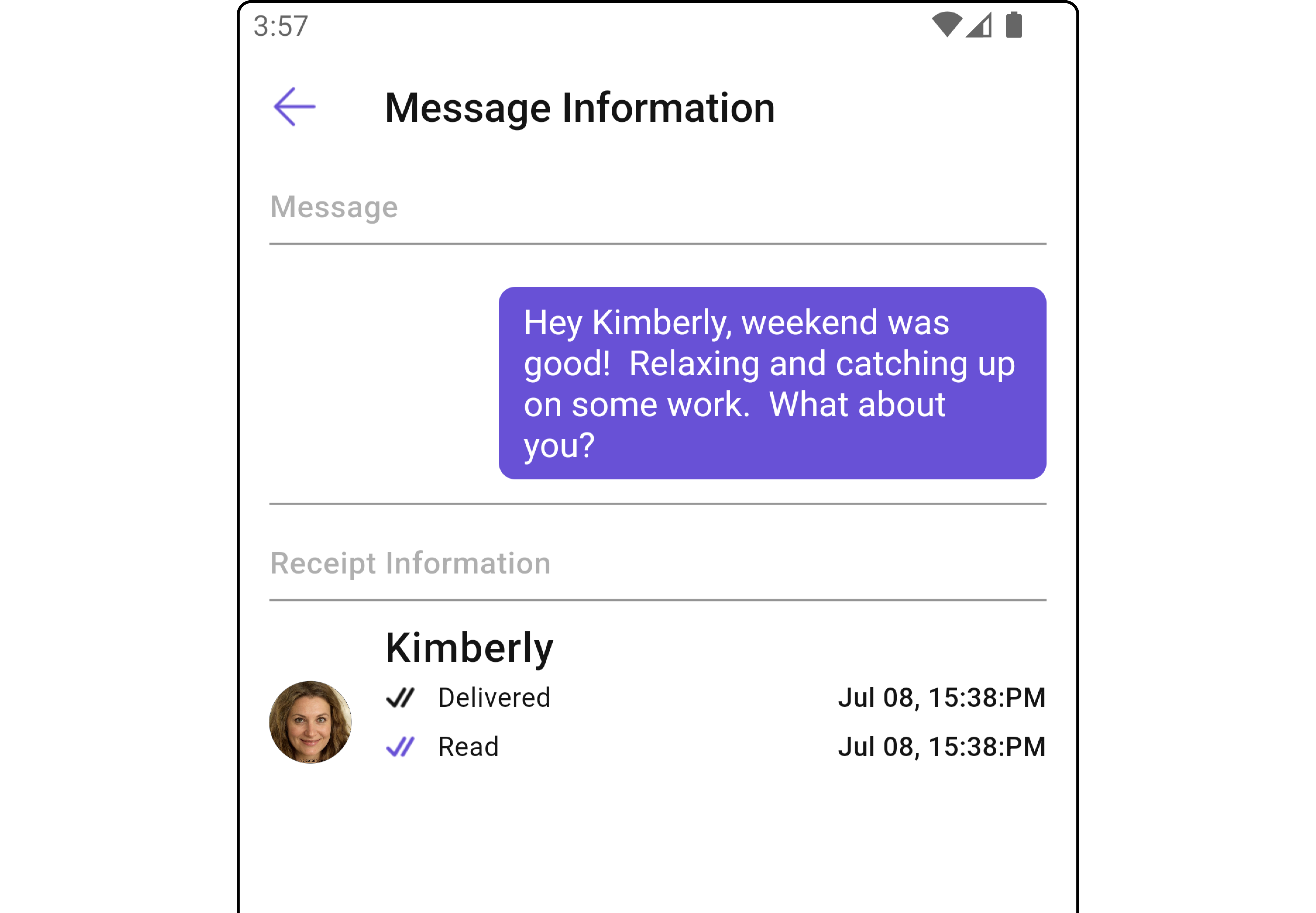
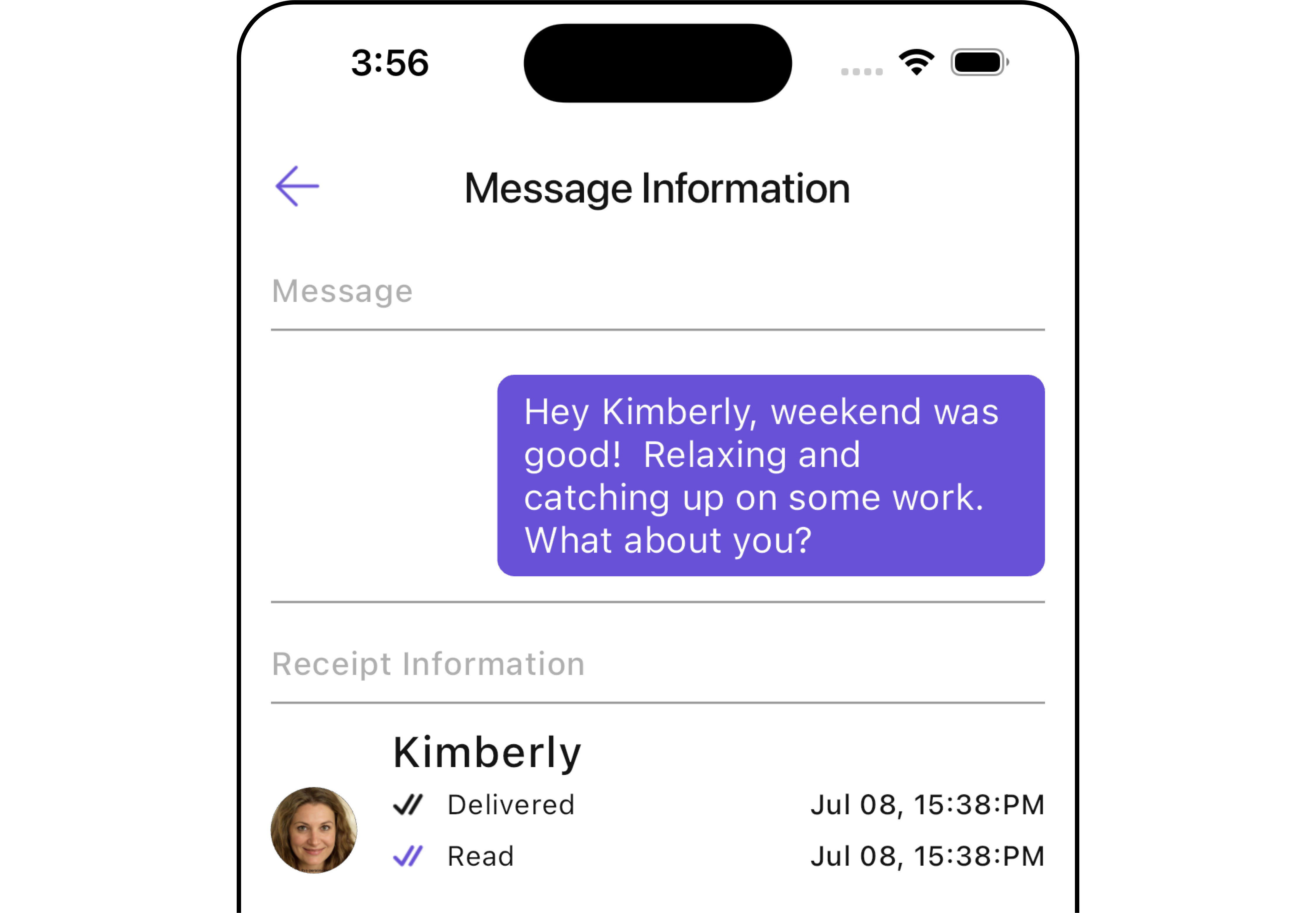
CometChatMessageInformation is comprised of the following Base Widgets:
Usage
Integration
You can launchCometChatMessageInformation directly using Navigator.push, or you can define it as a widget within the build method of your State class.
1. Using Navigator to Launch CometChatMessageInformation
- Dart
2. Embedding CometChatMessageInformation as a Widget in the build Method
- Dart
Actions
Actions dictate how a widget functions. They are divided into two types: Predefined and User-defined. You can override either type, allowing you to tailor the behavior of the widget to fit your specific needs.1. onClose
TheonClose event is typically triggered when the back button is pressed and it carries a default action. However, with the following code snippet, you can effortlessly override this default operation.
- Dart
2. onError
This action doesn’t change the behavior of the widget but rather listens for any errors that occur in the MessageList widget.- Dart
Filters
CometChatMessageInformation widget does not have any available filters.
Events
CometChatMessageInformation widget does not have any available events.
Customization
To fit your app’s design requirements, you can customize the appearance of theCometChatMessageInformation widget. We provide exposed methods that allow you to modify the experience and behavior according to your specific needs.
Style
Using Style you can customize the look and feel of the widget in your app, These parameters typically control elements such as the color, size, shape, and fonts used within the widget.1. MessageInformation Style
To modify the styling, you can apply theMessageInformationStyle to the CometChatMessageInformation Widget using the messageInformationStyle method.
- Dart
- Android
- iOS
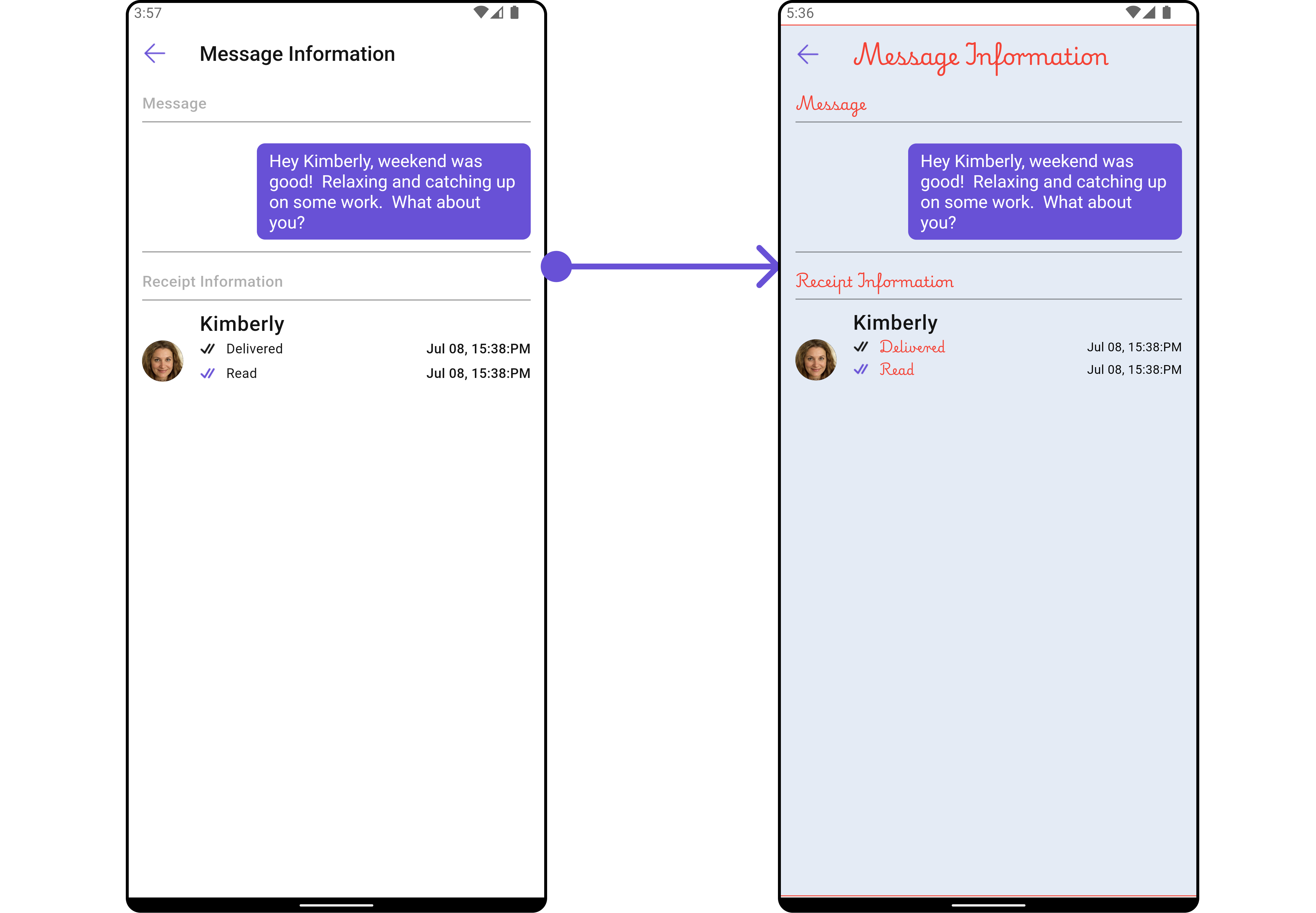
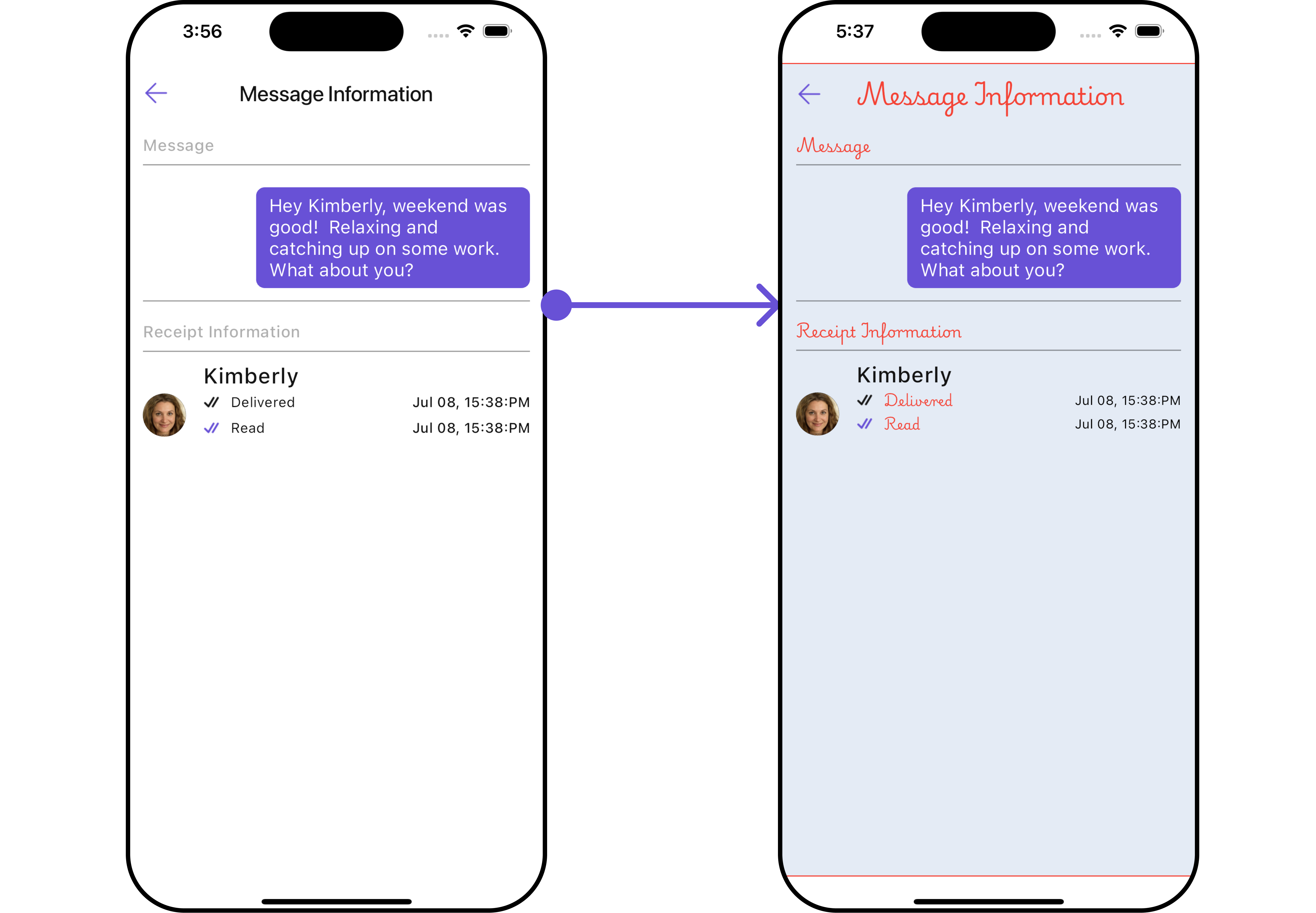
MessageInformationStyle:
2. ListItem Style
To apply customized styles to theListItemStyle widget in the CometChatMessageInformation Widget, you can use the following code snippet. For more information, visit List Item Styles.
- Dart
Functionality
These are a set of small functional customizations that allow you to fine-tune the overall experience of the widget. With these, you can change text, set custom icons, and toggle the visibility of UI elements.- Dart
- Android
- iOS
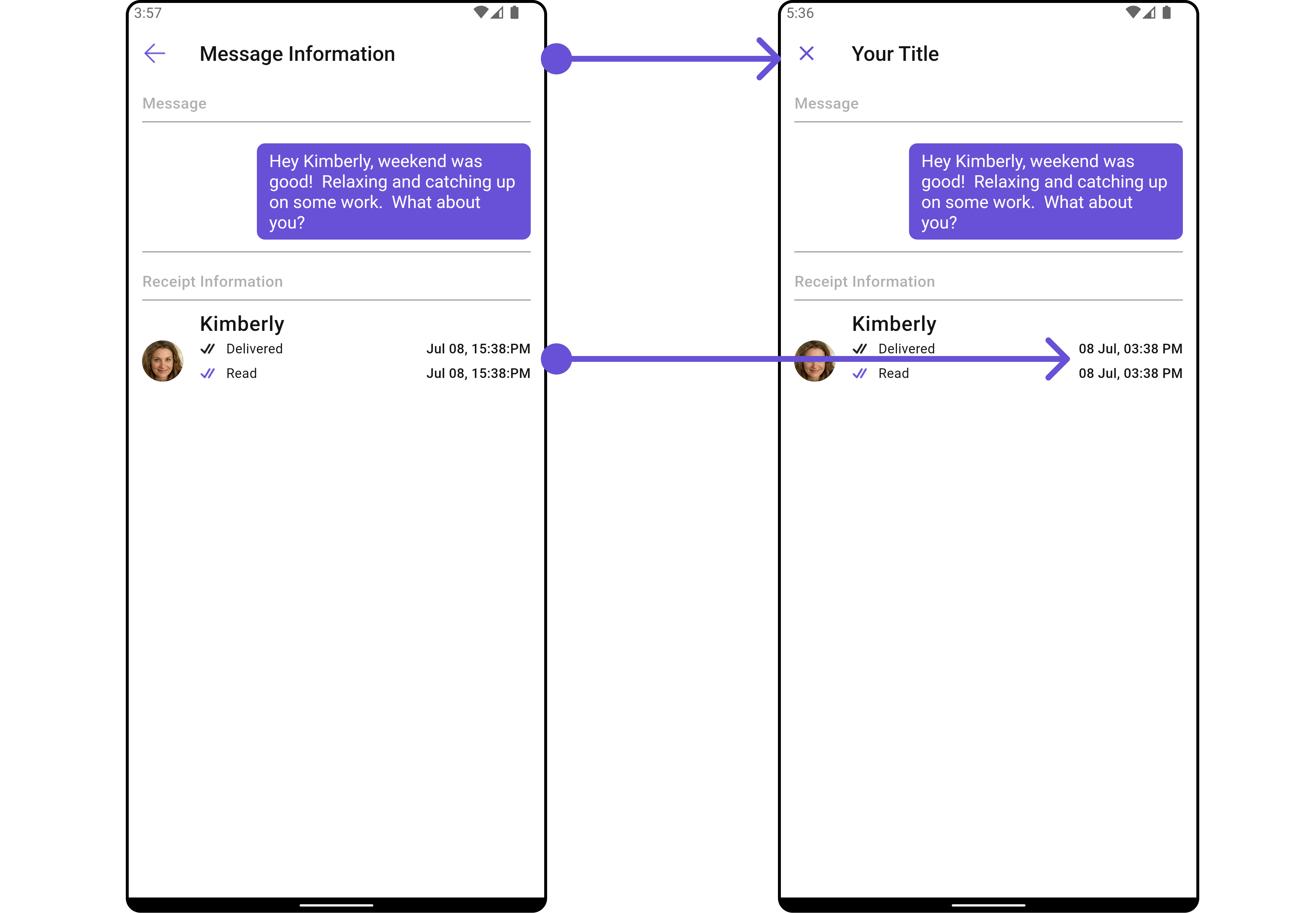
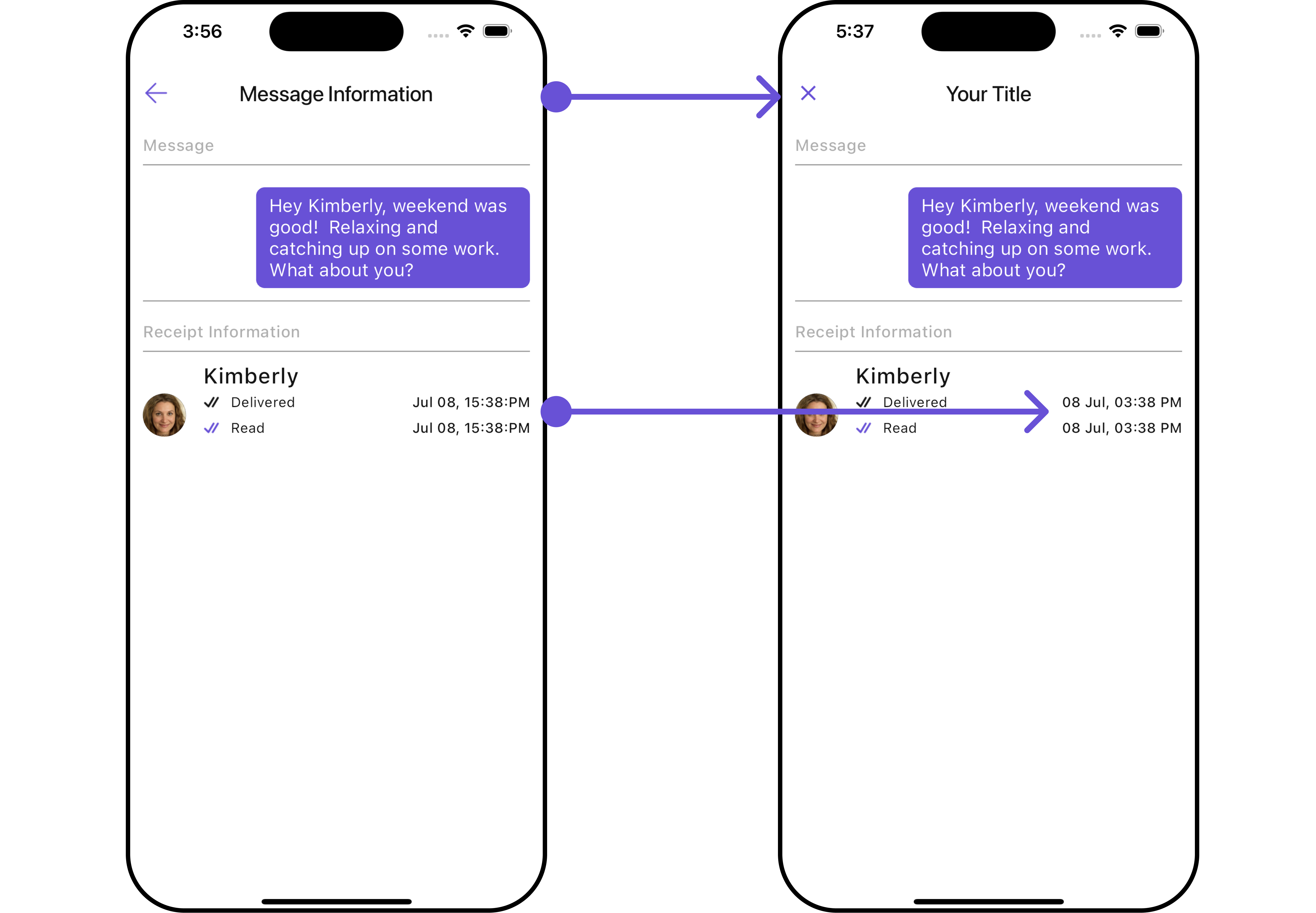
Advanced
For advanced-level customization, you can set custom widgets to the widget. This lets you tailor each aspect of the widget to fit your exact needs and application aesthetics. You can create and define your widgets and then incorporate those into the widget.ListItem Widget
With this function, you can assign a custom ListItem to theCometChatMessageInformation Widget.
- Dart
- Dart
custom_list_item.dart
- Dart
main.dart
- Android
- iOS
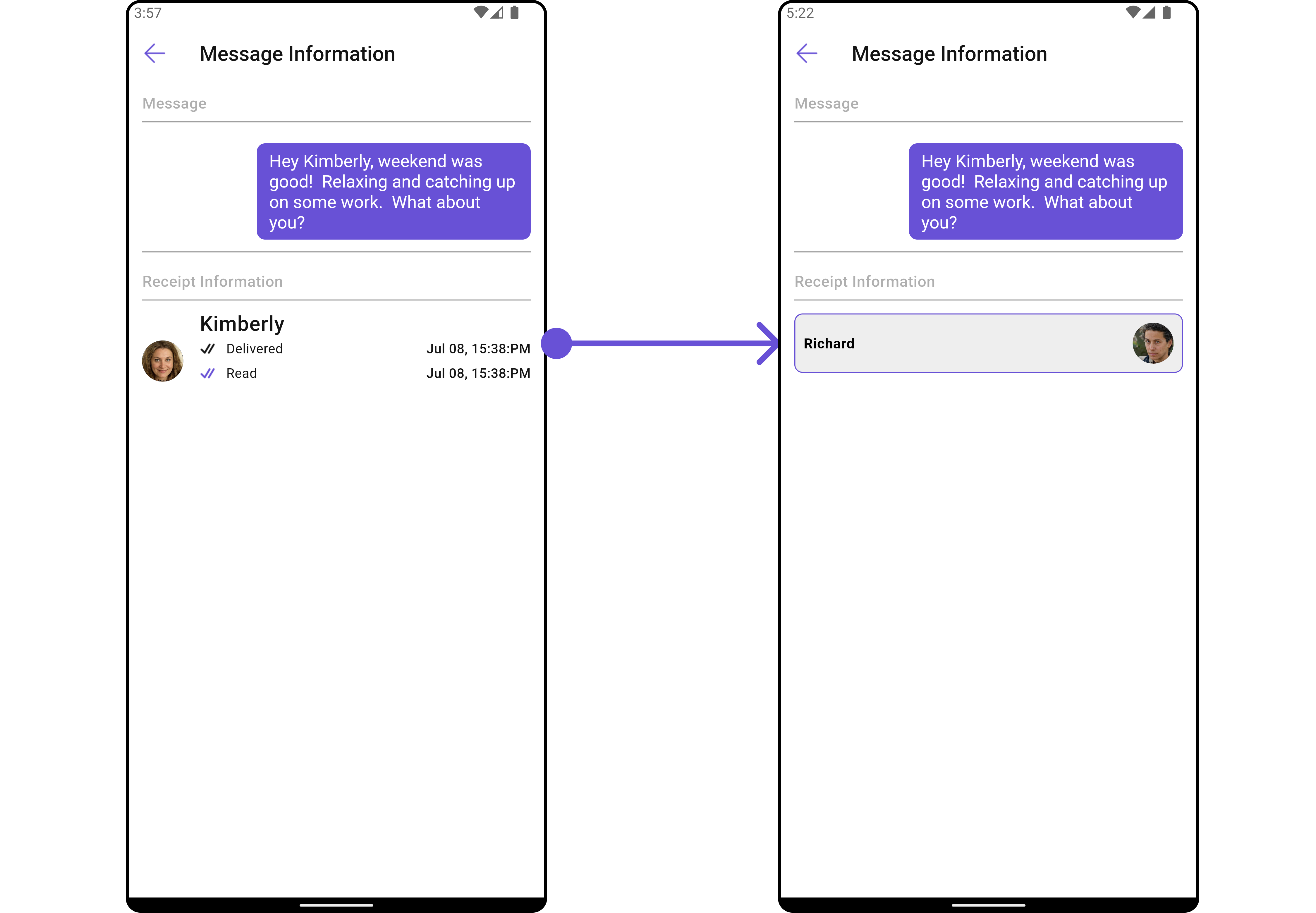
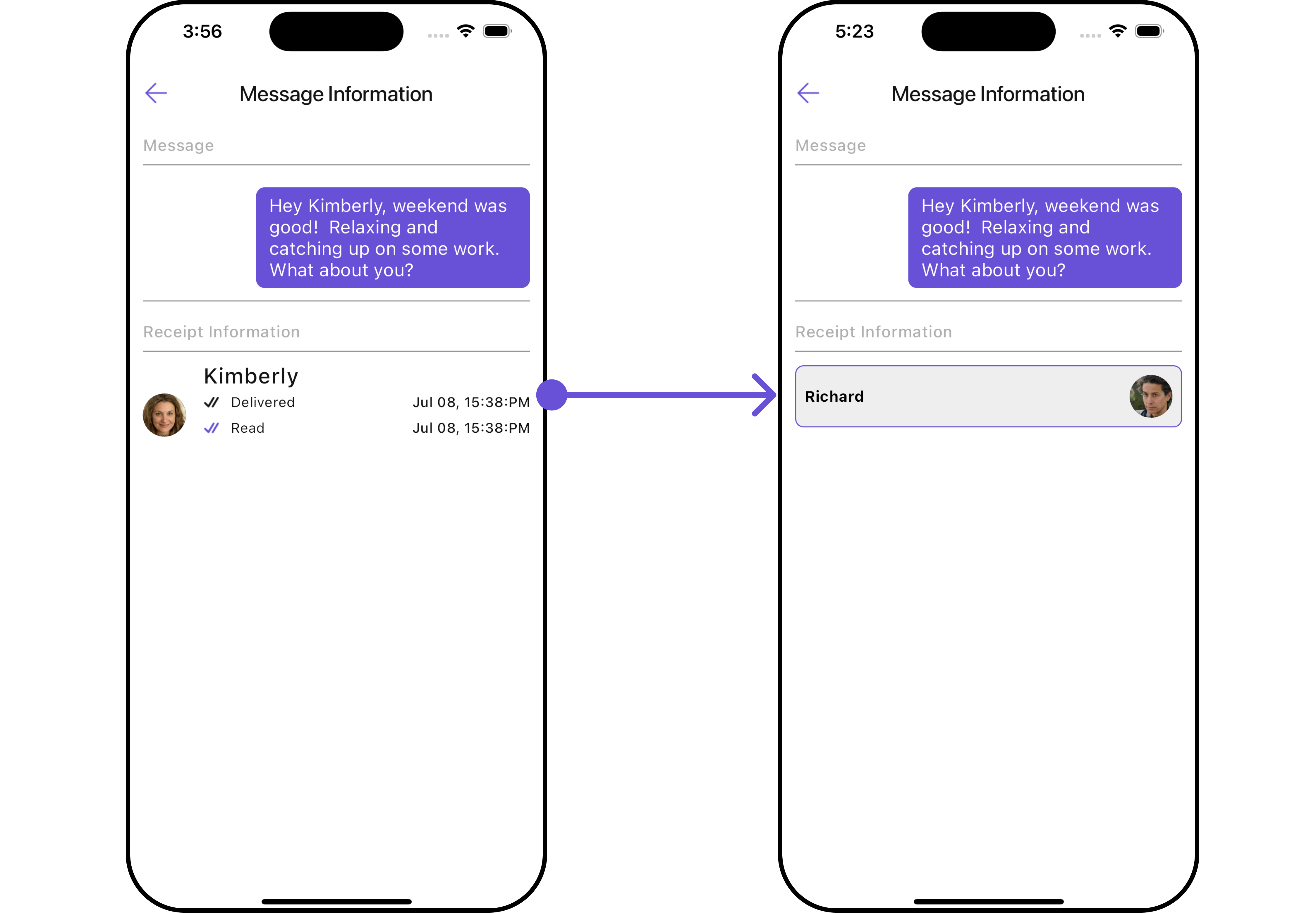
Subtitle Widget
You can customize the subtitle widget for each item to meet your specific preferences and needs.- Dart
- Android
- iOS